 MomBooks
Plain text accounting, done natively
The rigor of double-entry bookkeeping. None of the vendor lock-in.
MomBooks is a native Mac, iPad, and iPhone ledger for people who want every transaction to balance to zero and every record kept in a plain text file they actually own — compatible with Ledger, hledger, and Beancount syntax.
What it does
Real double-entry accounting, kept in plain text.
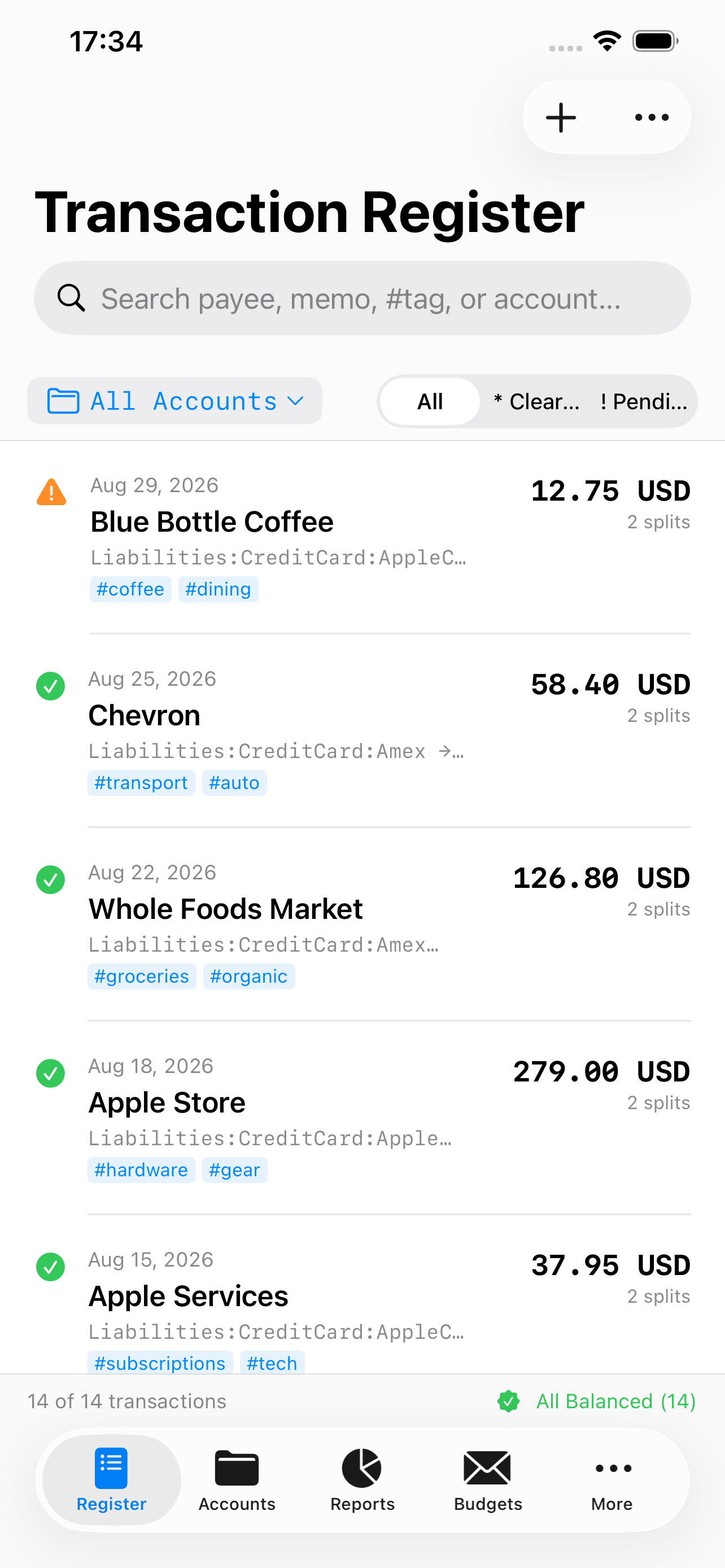
Every feature is built around one rule: a transaction isn't valid until it balances to exactly zero.
The Rule of Zero
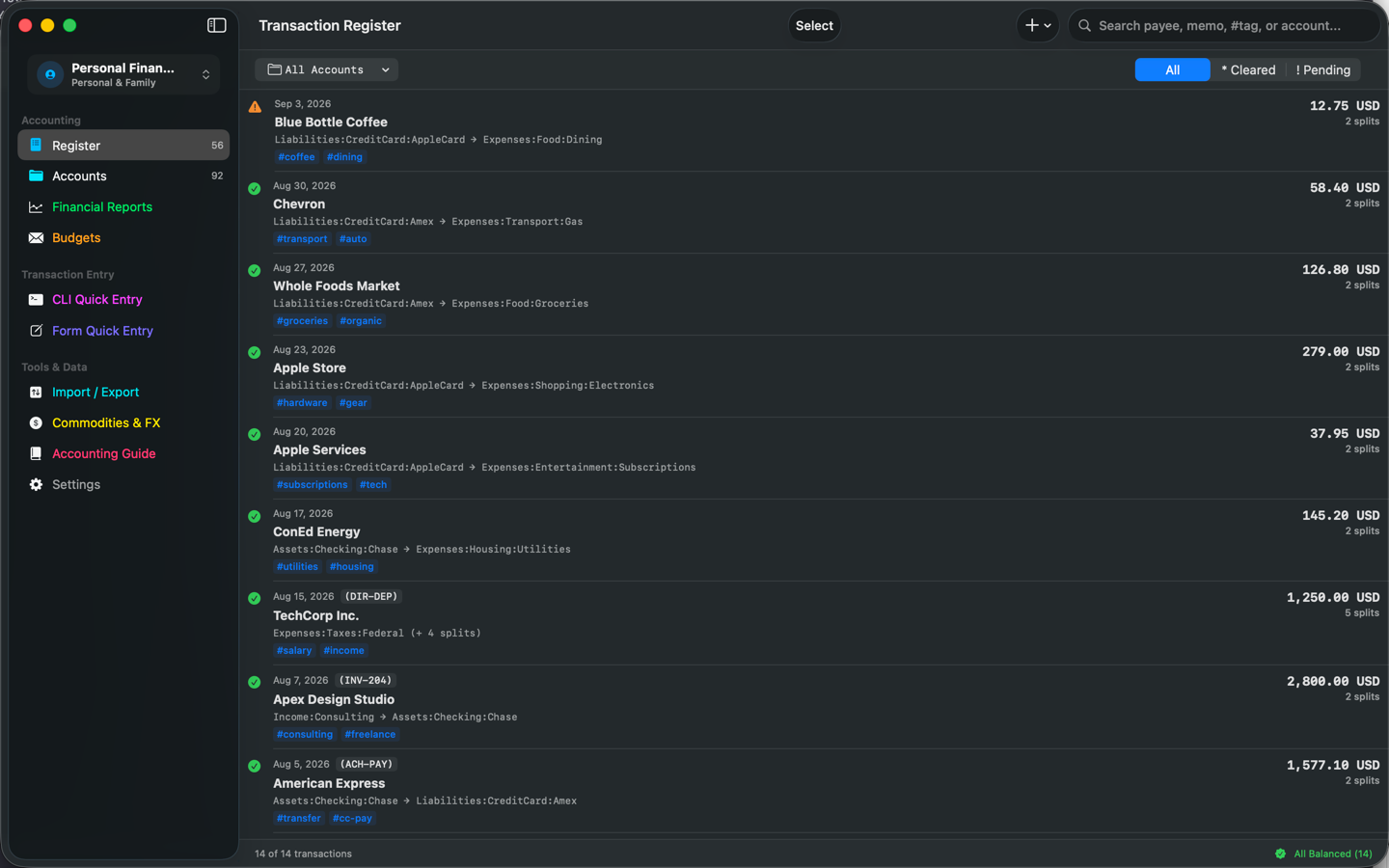
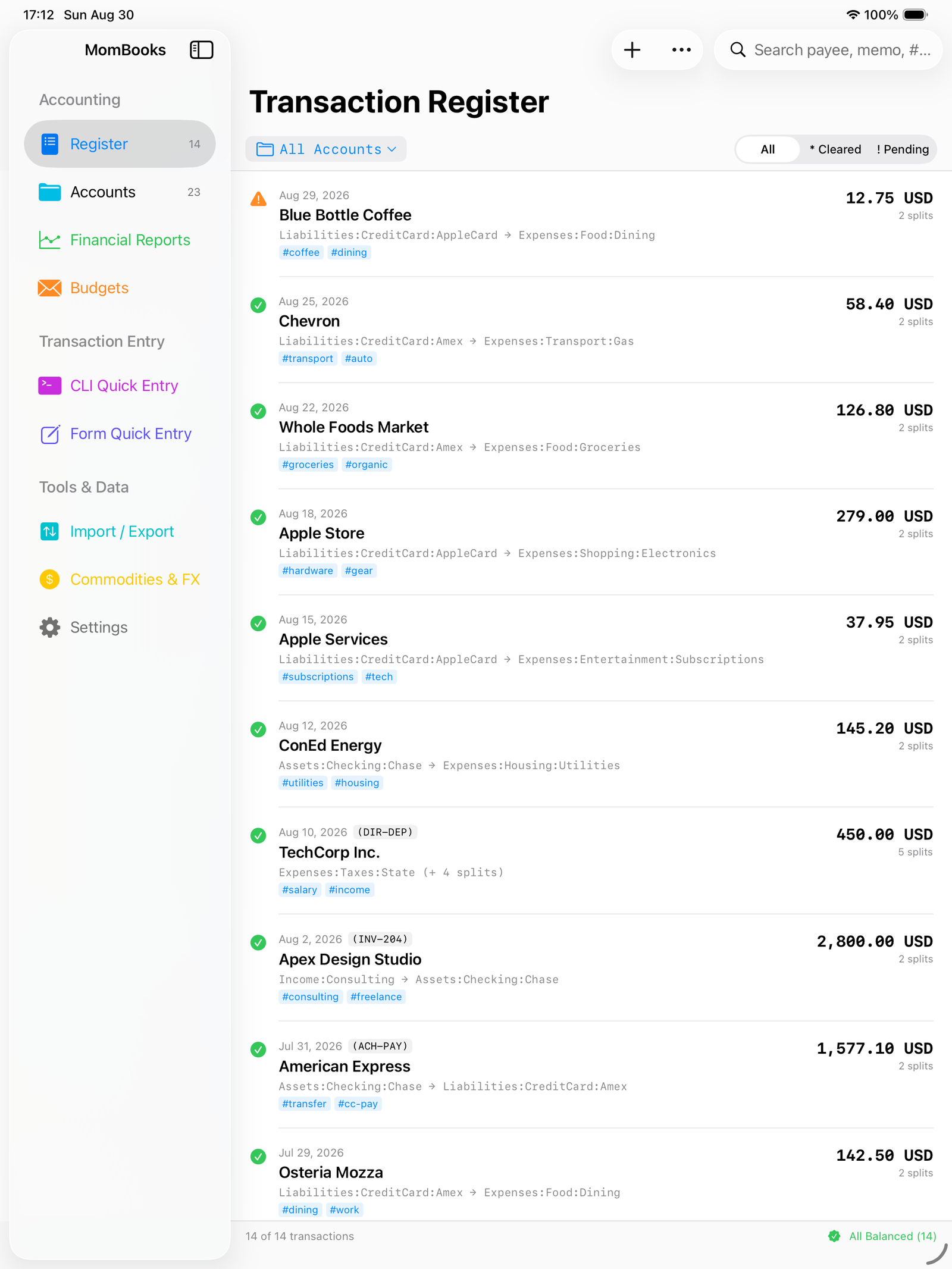
Every transaction — and every balanced-virtual posting group — must sum to zero per commodity before MomBooks will accept it. No silent rounding, no floating-point math.
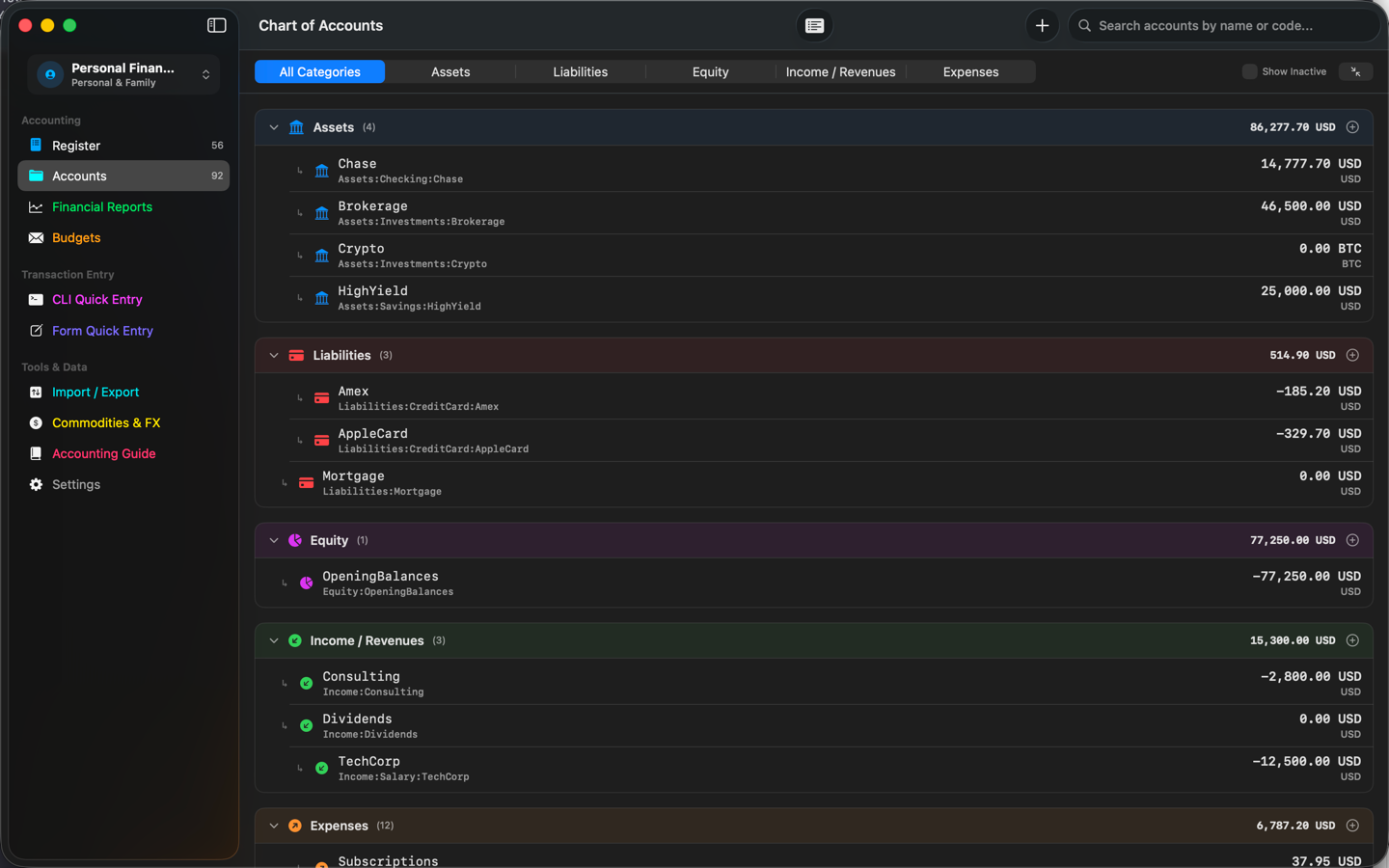
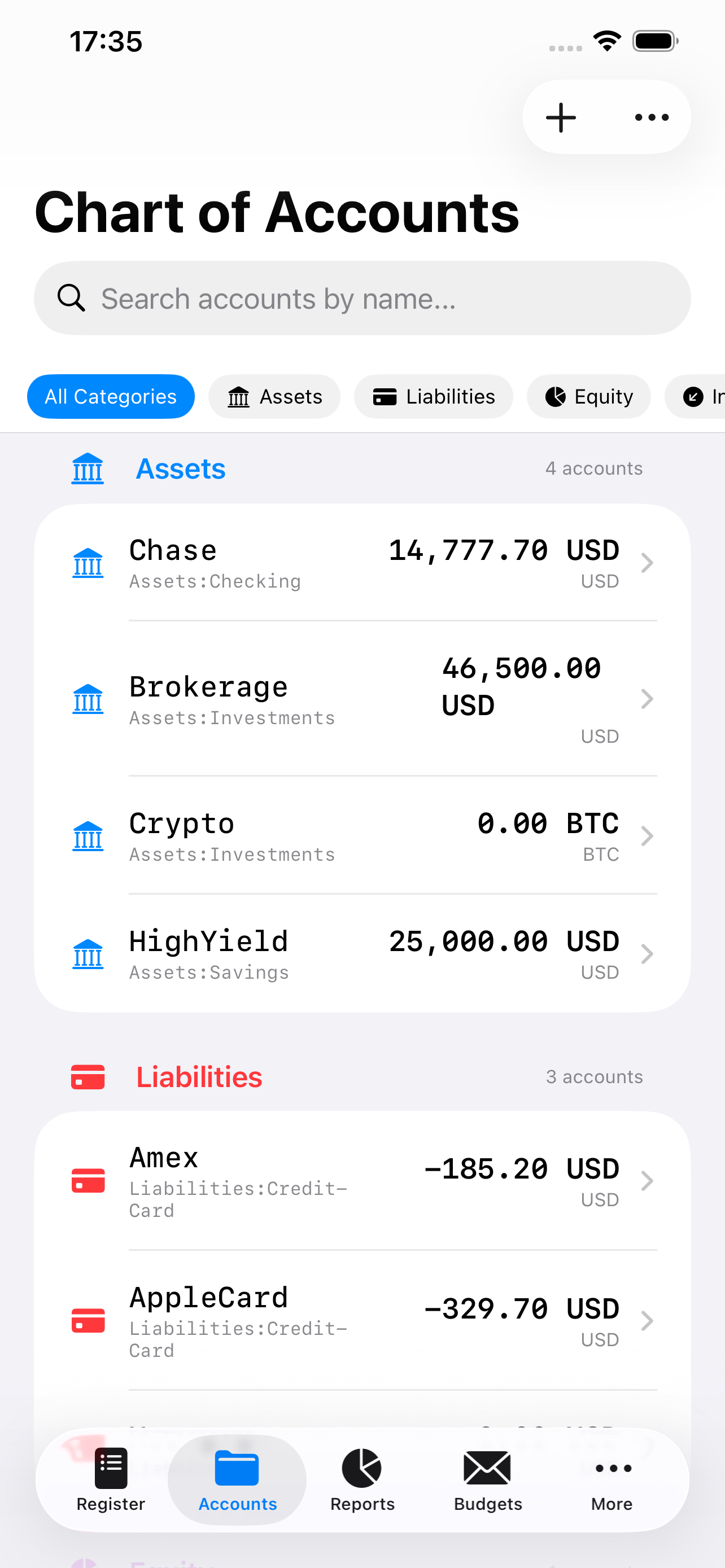
Chart of Accounts generator
Seed a starter Chart of Accounts for Personal Finance, Rental Property, or Small Business — and combine profiles, like Personal plus Rental for a landlord who also runs a household.
Import & export, without lock-in
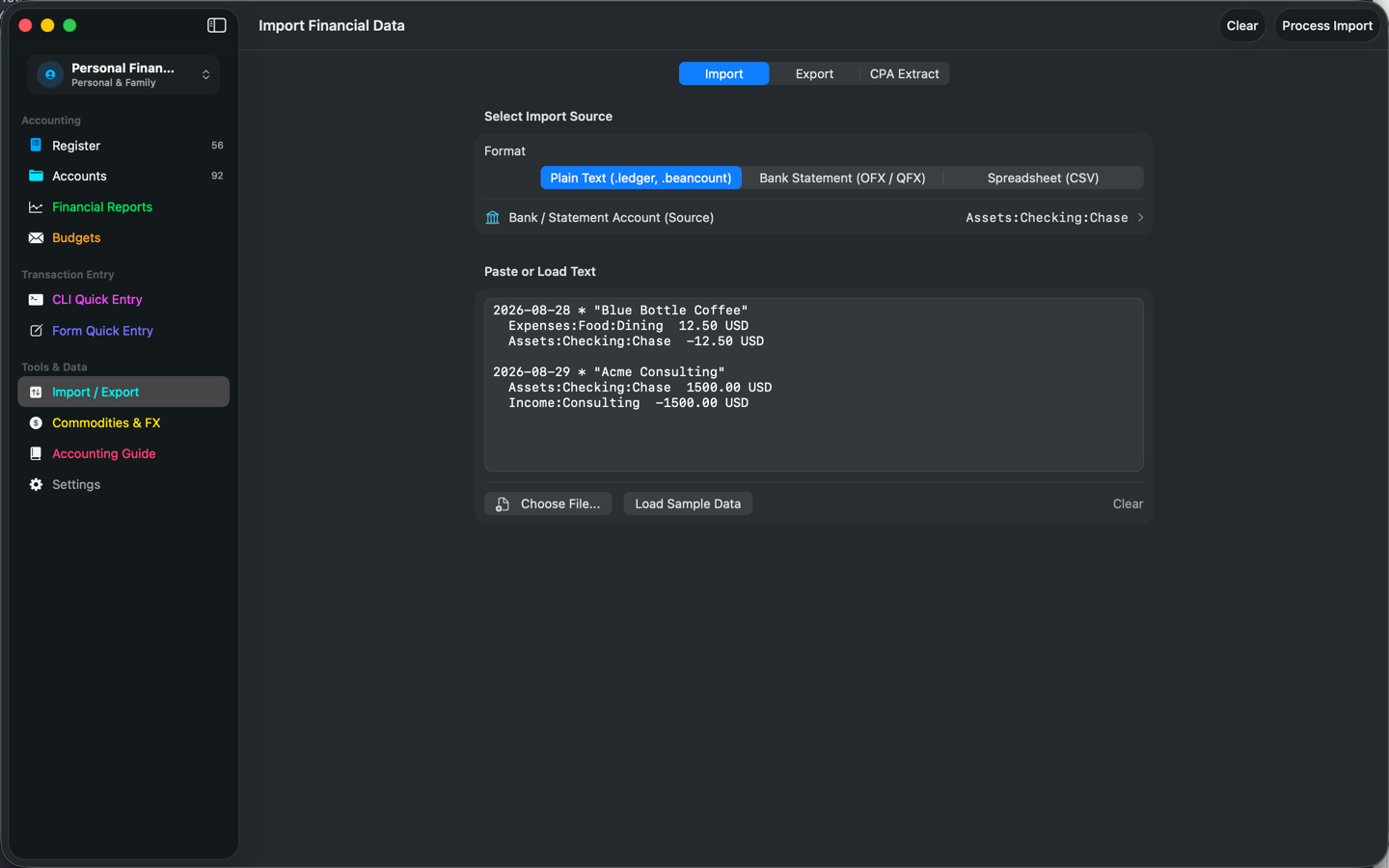
Paste or import plain-text ledgers, OFX/QFX statements, and CSV — with a reconciliation queue that flags duplicates before anything commits. Export back to .ledger or .beancount anytime.
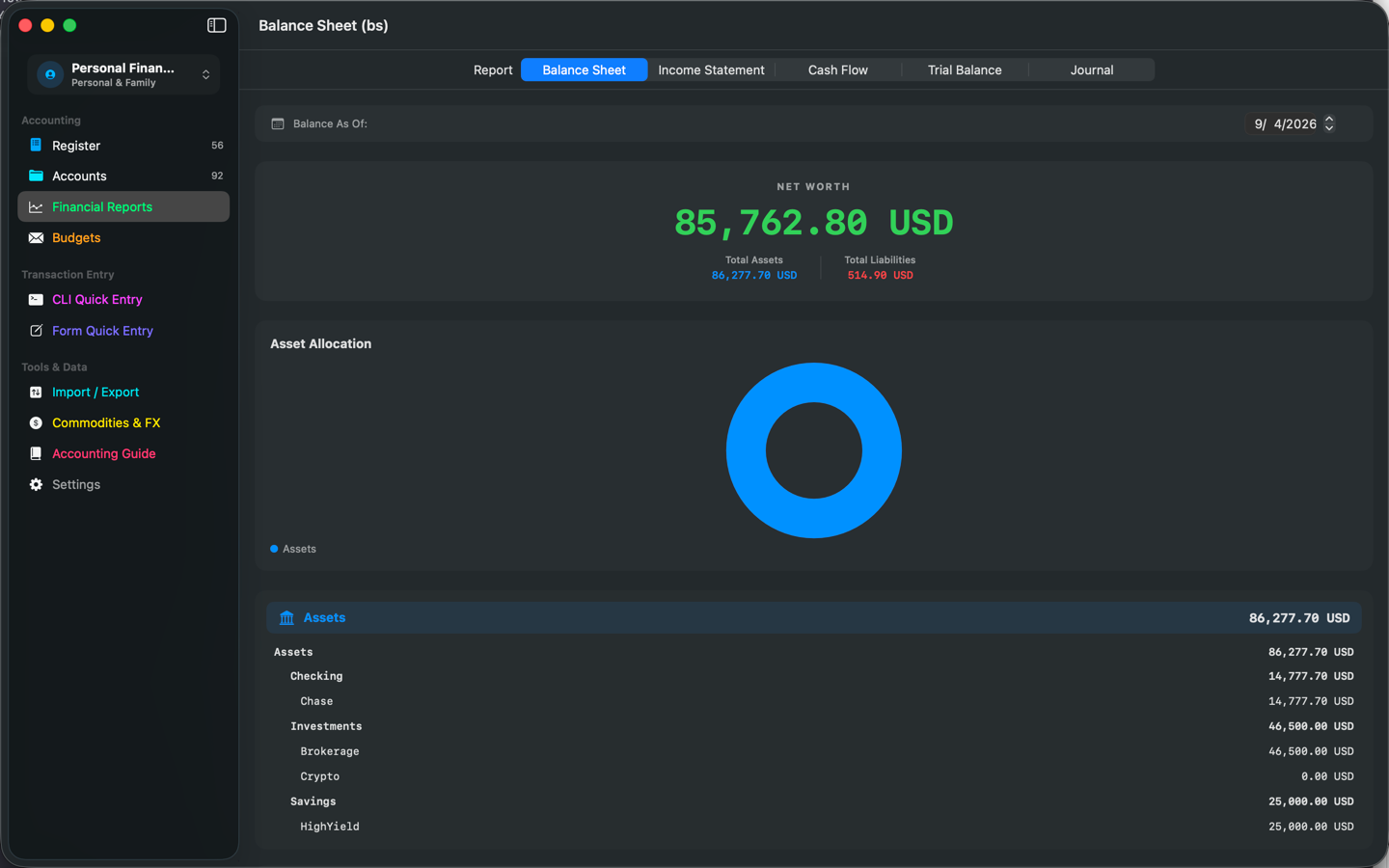
Reports a CPA can use
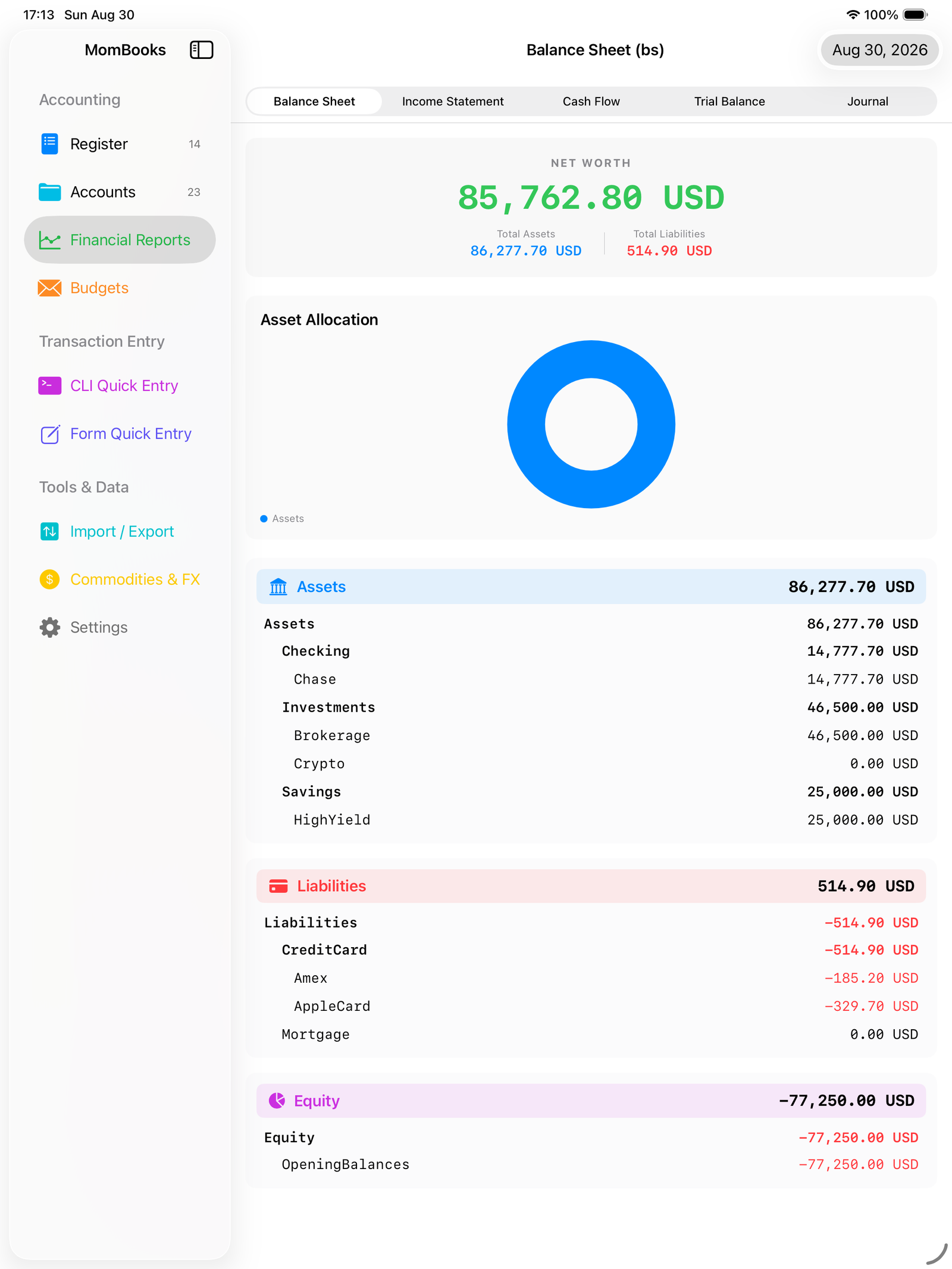
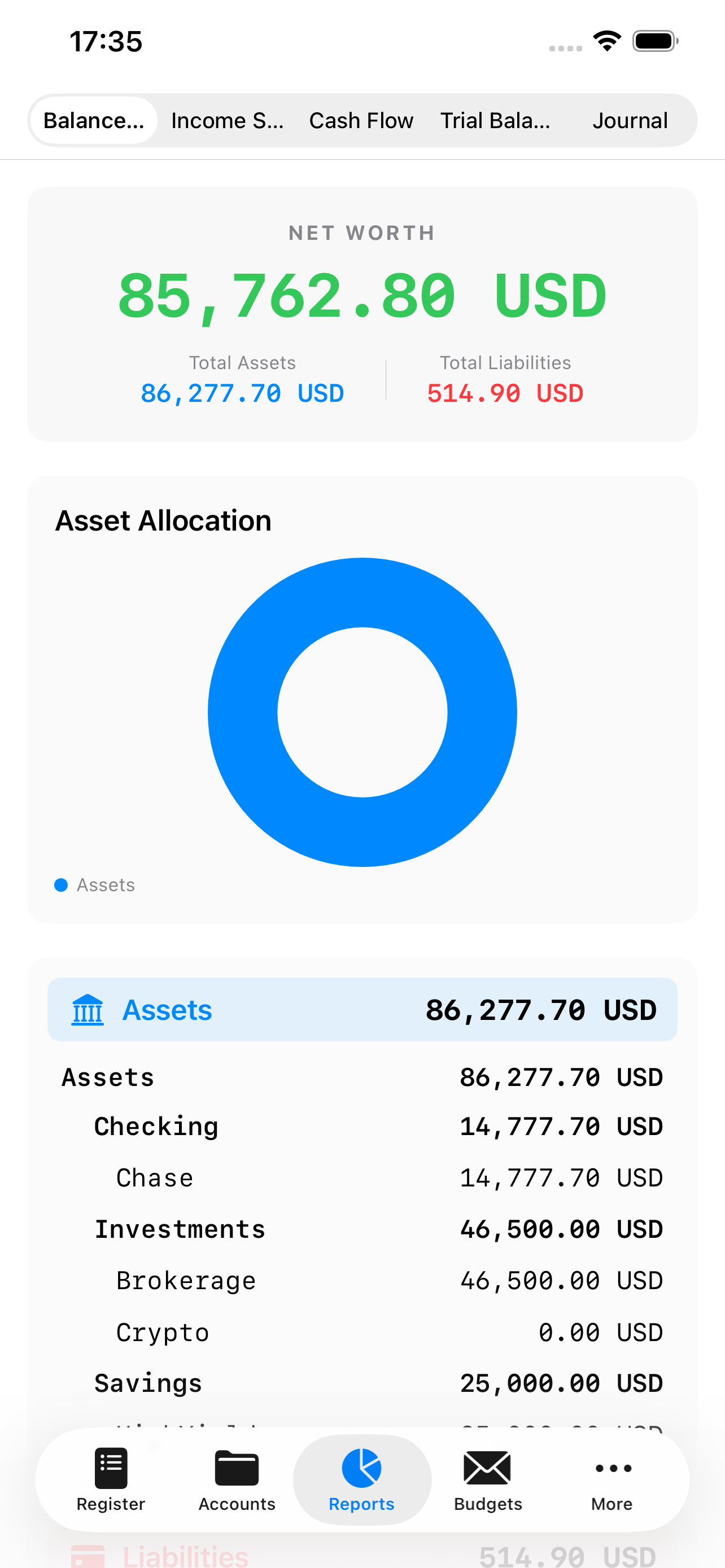
Balance Sheet, Income Statement, Cash Flow, and Trial Balance, plus CPA and Auditor extracts as CSV or PDF — the formats an actual accountant opens, not just a ledger file.
Locked down by default
Face ID, Touch ID, or Optic ID app lock, with your PIN hashed in the Keychain — never stored in plain text. Every edit is written to an audit trail you can export.
One ledger, every device
Native on Mac, iPad, and iPhone, with menu-bar shortcuts for fast entry and Siri/Shortcuts support. Turn on iCloud sync and it follows you between them.
See it in action
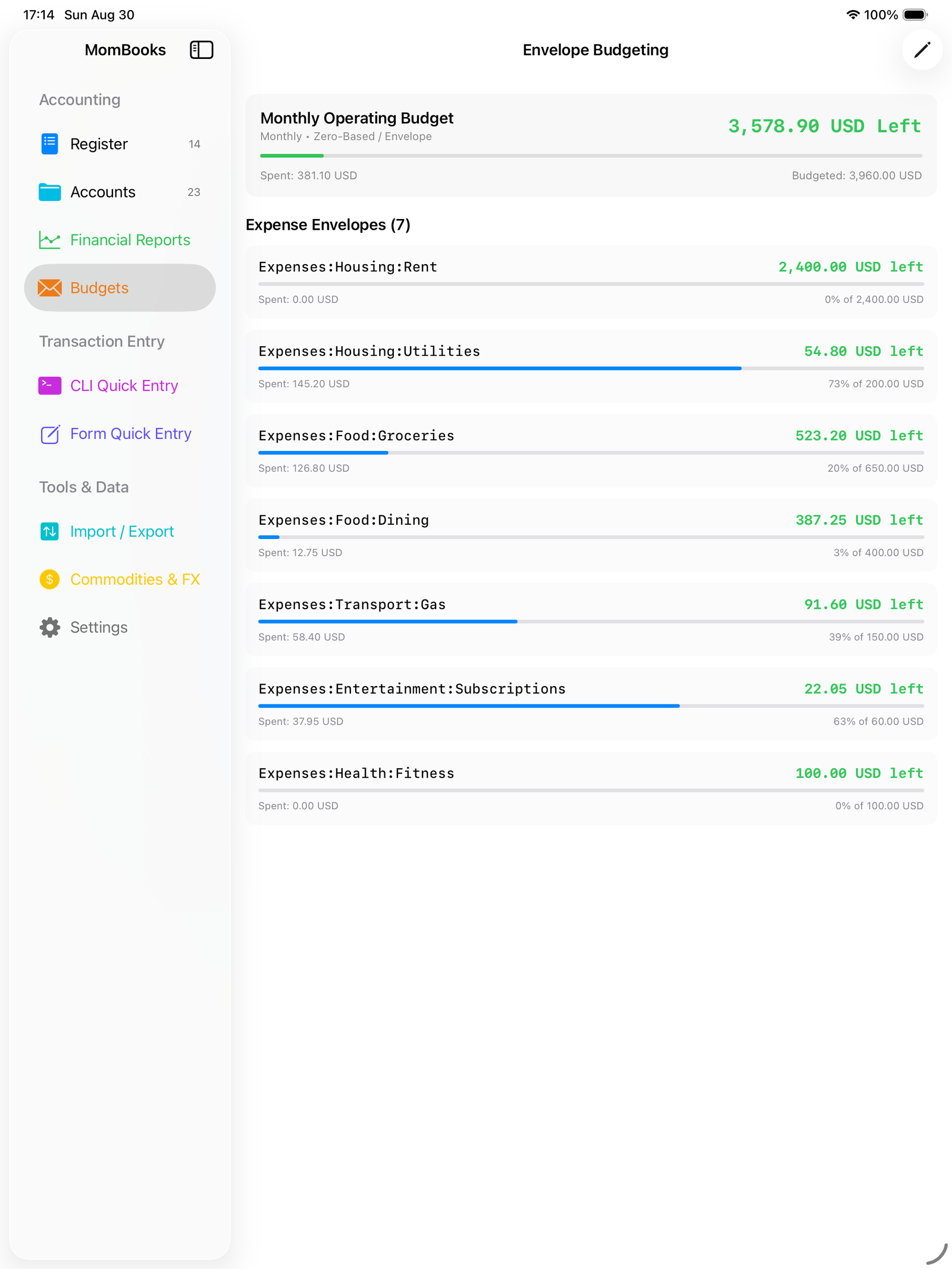
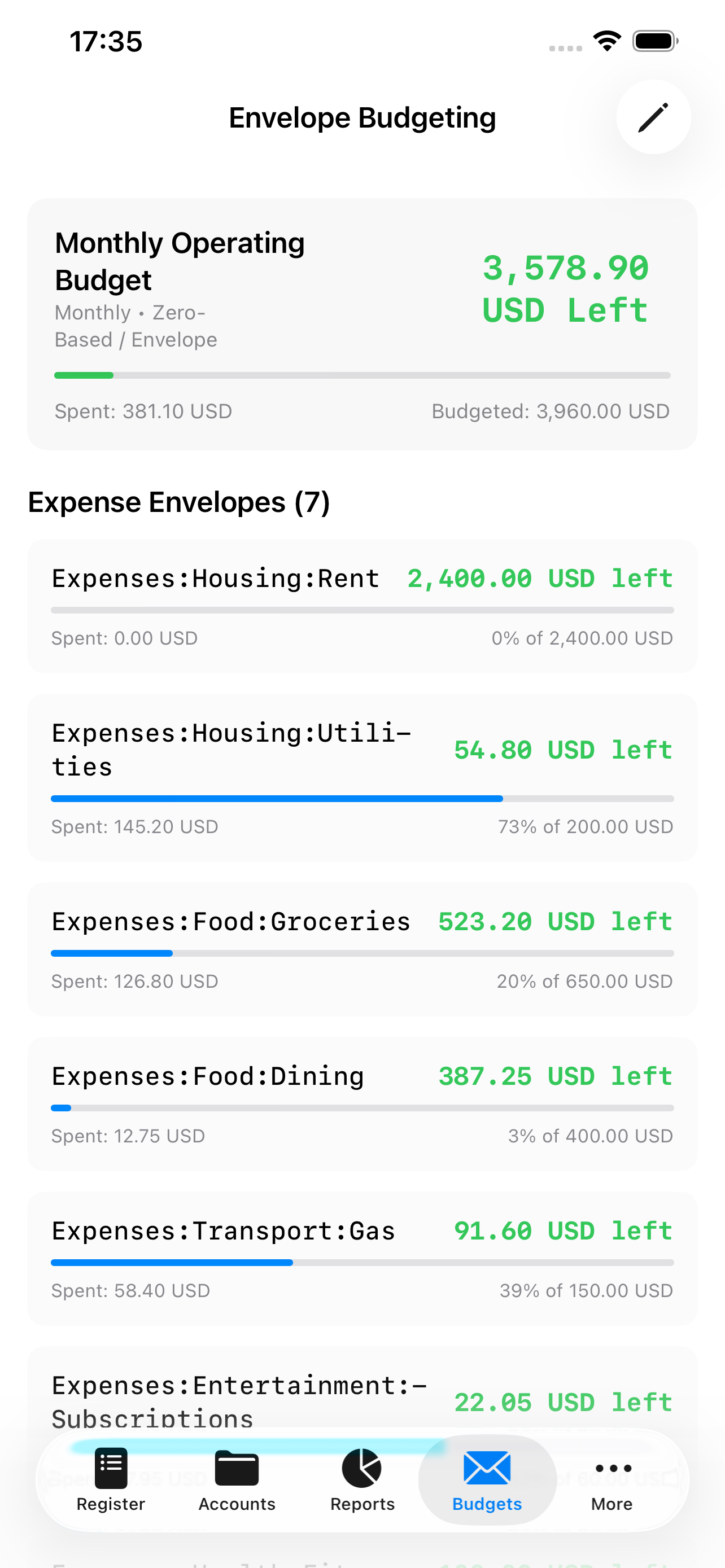
One ledger, wherever you work.
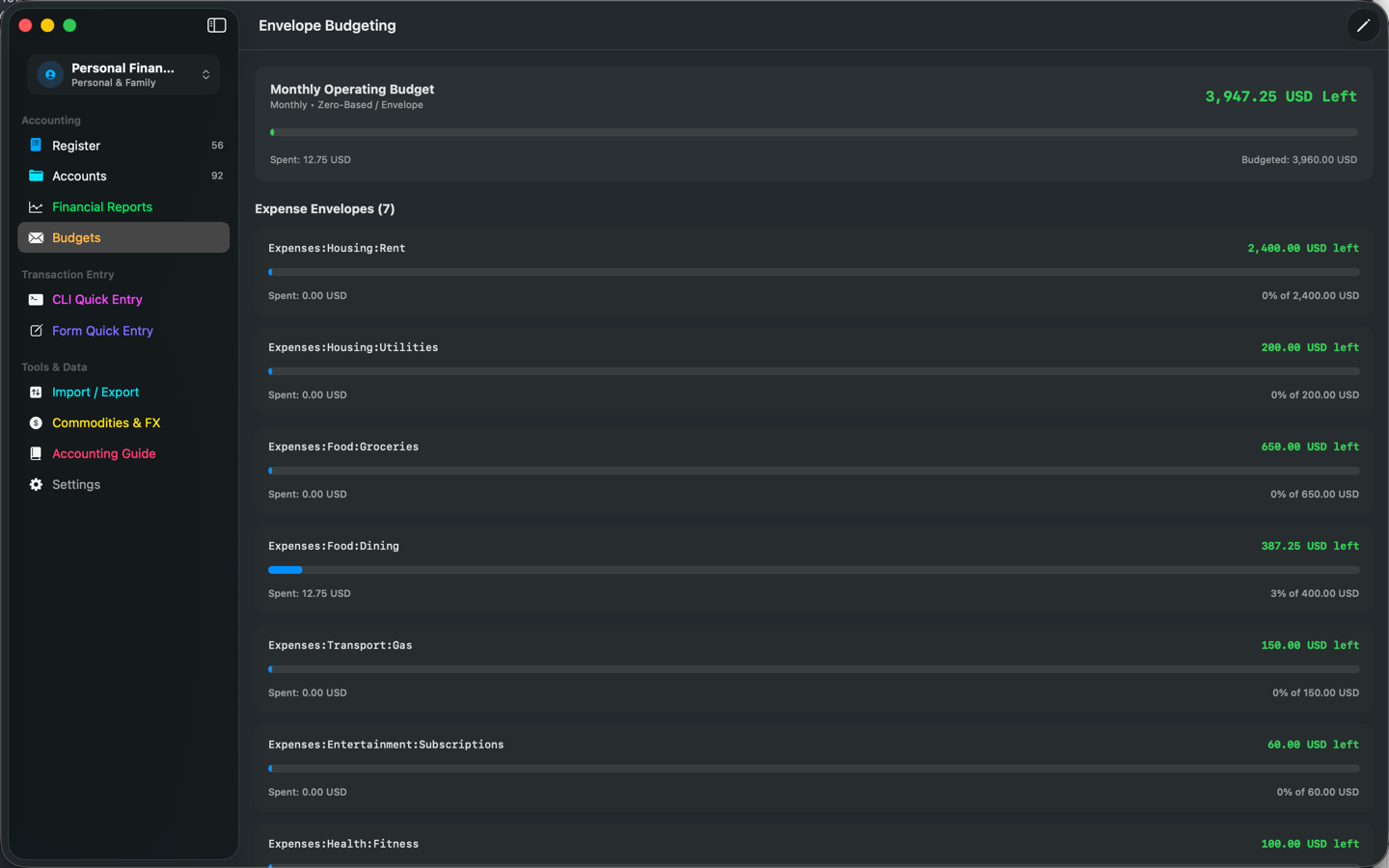
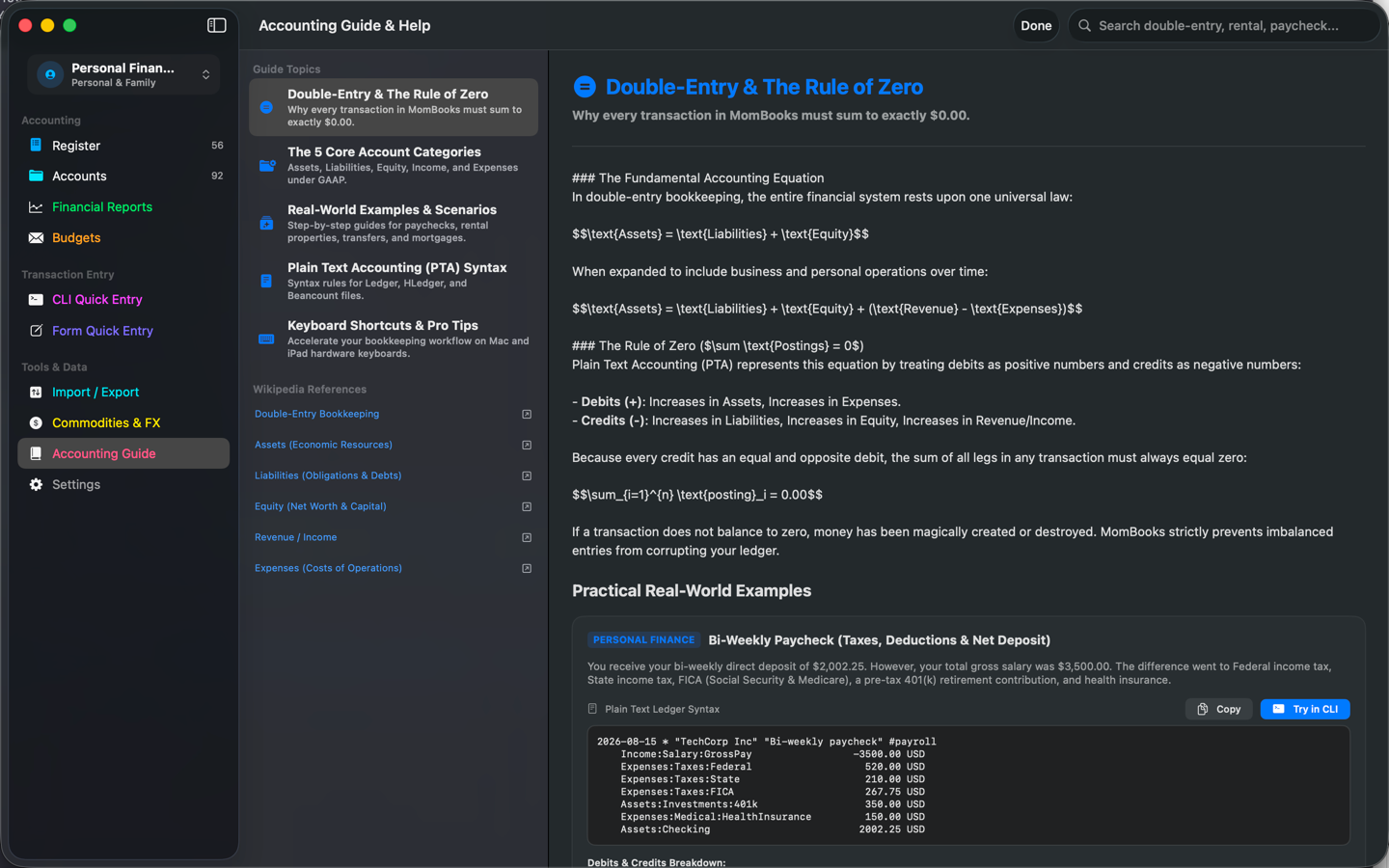
The same double-entry core, laid out for a keyboard and a trackpad or for a single thumb.
The format
What is Plain Text Accounting?
Plain Text Accounting (PTA) is a way of keeping books as human-readable text files instead of a proprietary database — a lineage that runs from the original Ledger CLI tool through hledger to Beancount. The file format is the product: diffable in git, greppable, and readable in any text editor decades from now, with no vendor deciding whether you still get to see your own numbers.
MomBooks keeps that promise while adding a native GUI, GAAP-oriented reports, and the guardrails — like the Rule of Zero — that make it hard to enter something that doesn't add up.
Learn more about Plain Text AccountingBuilt-in guidance
New to double-entry? MomBooks teaches as you go.
A built-in Accounting Guide walks through the five core account categories and works real scenarios step by step — no separate manual to go find.
Bi-Weekly Paycheck
Split a paycheck into taxes, deductions, and net deposit, modeled as a single balanced transaction.
Rental Income & Security Deposit
Post rent received and a tenant's security deposit to the right liability and income accounts.
Checking to Savings Transfer
Move money between your own accounts — and reconcile a credit card payment — the correct double-entry way.
Full walkthroughs, PTA syntax reference, and keyboard shortcuts ship inside the app under Help → MomBooks Help & Guide (on iPhone, Settings → Help & Guide).
Free to start
Upgrade only if you need to.
The base app is a fully functional single-currency ledger — accounts, transactions, splits, and plain-text import/export are free, with no account required.
Free
- Accounts, transactions & splits
- Chart of Accounts generator
- Plain-text PTA import & export
- Trial Balance & Journal reports
- Audit log & all security features
Pro Optional
- OFX/QFX statement importer & CSV column mapper
- Two-way Beancount & hledger file sync
- Balance Sheet, P&L, Cash Flow + CPA/Auditor extracts
- Form 1099 tracking & A/R–A/P aging reports
- Zero-based & rollover envelope budgeting
- Multi-currency lots & commodity pricing
- iCloud sync across your devices
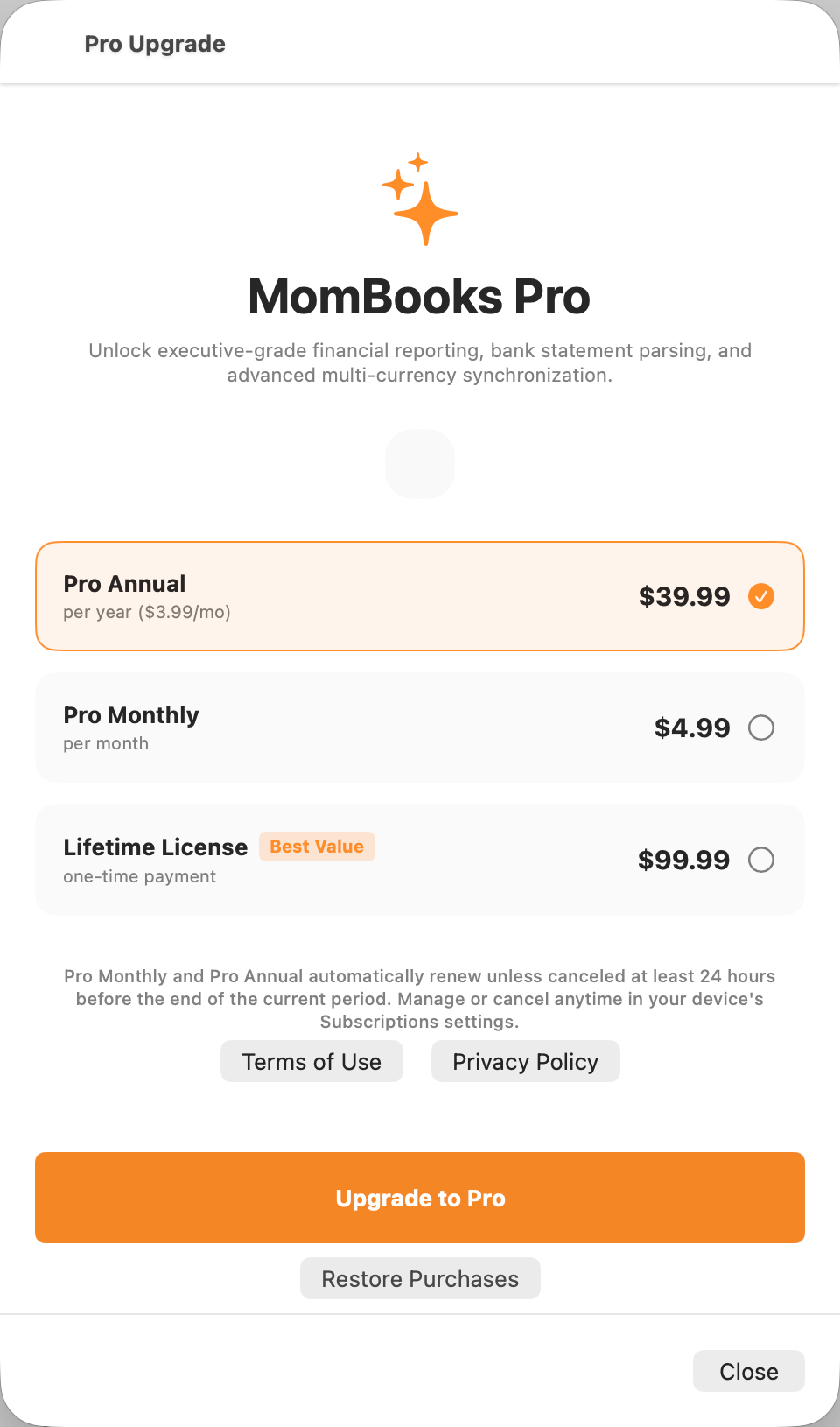
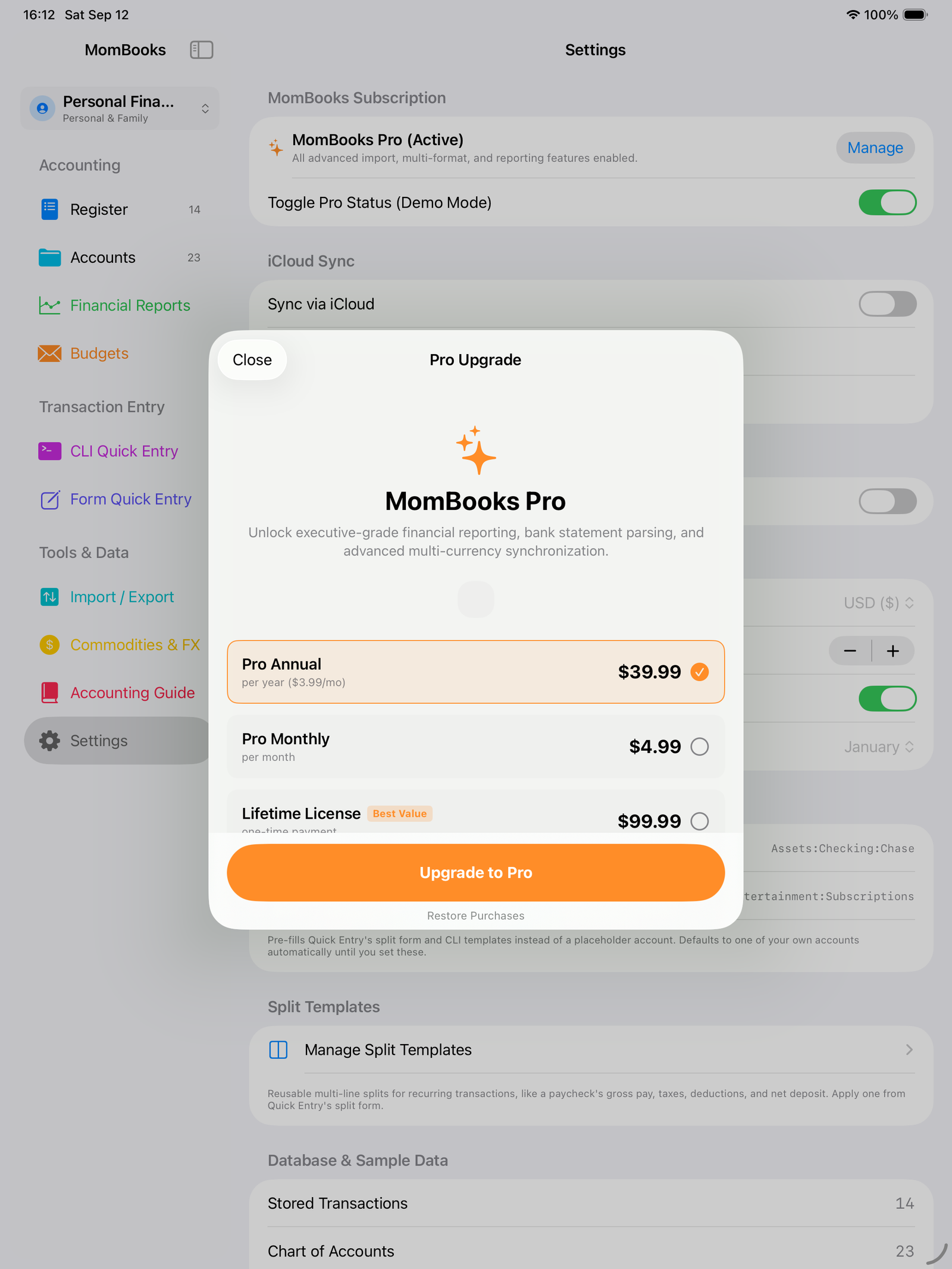
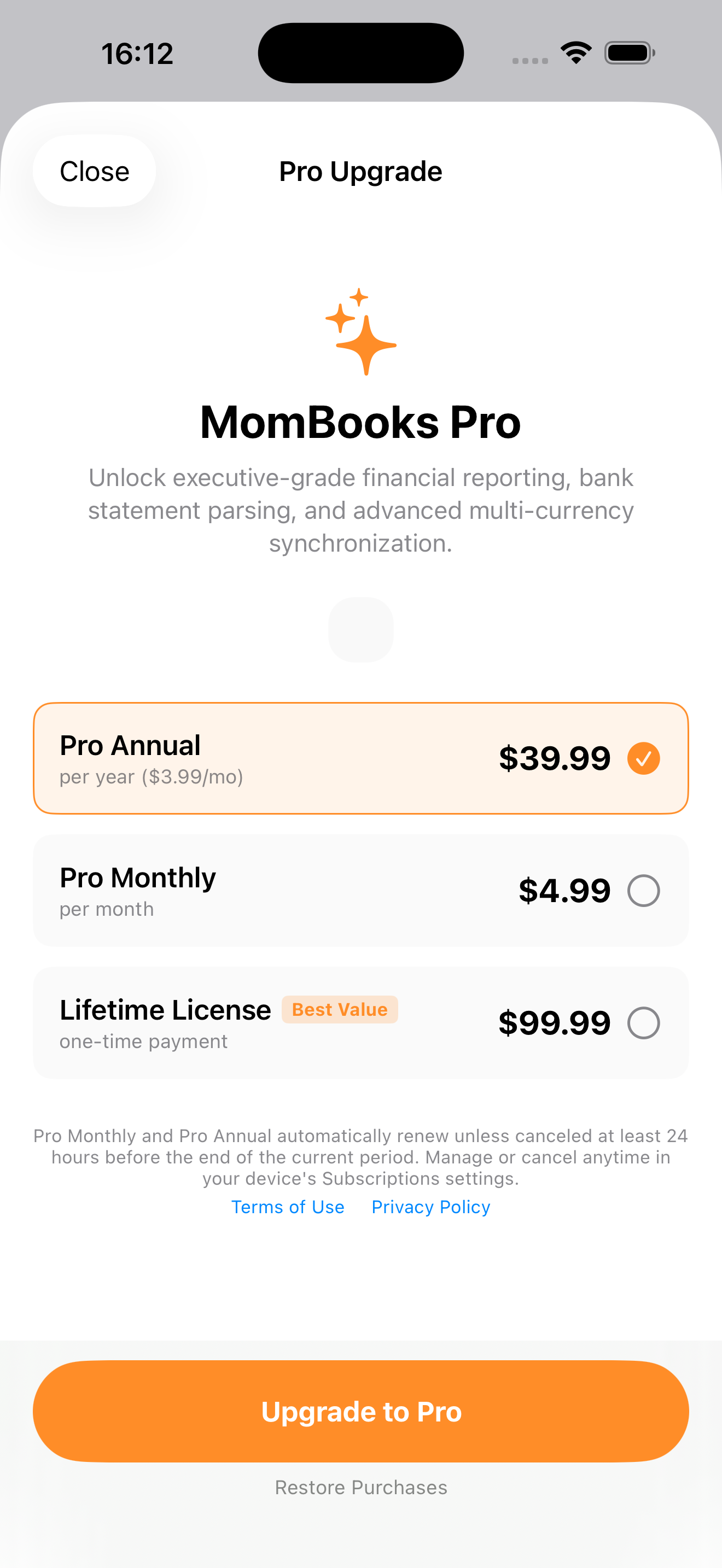
Monthly
Annual
Lifetime
Prices shown in USD and billed through the App Store. See the in-app paywall for your local pricing.
Questions
Frequently asked.
Is my data private?
Yes. MomBooks is local-first — your ledger stays on your device unless you turn on iCloud sync, which only ever moves data to your own iCloud account. There are no third-party analytics or advertising SDKs in the app. See the Privacy Policy for details.
Do I need a subscription to use MomBooks?
No. The base ledger — accounts, transactions, splits, plain-text import/export, and all security features — is free with no account required. MomBooks Pro unlocks bank-statement import, advanced reports, budgeting, and iCloud sync.
Is MomBooks HIPAA-compliant?
No. MomBooks is a bookkeeping and record-keeping tool, not a certified HIPAA repository or electronic health record system, and the developer does not sign Business Associate Agreements for standard use. If you track medical billing, you remain responsible for your own regulatory compliance — see Terms of Service.
What ledger formats does it support?
Ledger, hledger, and Beancount-compatible plain text syntax, plus OFX/QFX bank statement and CSV import (Pro). Export goes back out to .ledger or .beancount at any time.
Can I get my data out if I stop using MomBooks?
Yes. Your ledger exports to plain text at any time — it's the same format the app reads, so there's no lock-in and nothing proprietary to migrate away from.
Keep your own books, in your own words.
Available on iPhone, iPad, and Mac.